
What Are Passkeys? The Future of Secure, Passwordless Login
- Frank Cecere

- Jul 8, 2025
- 3 min read
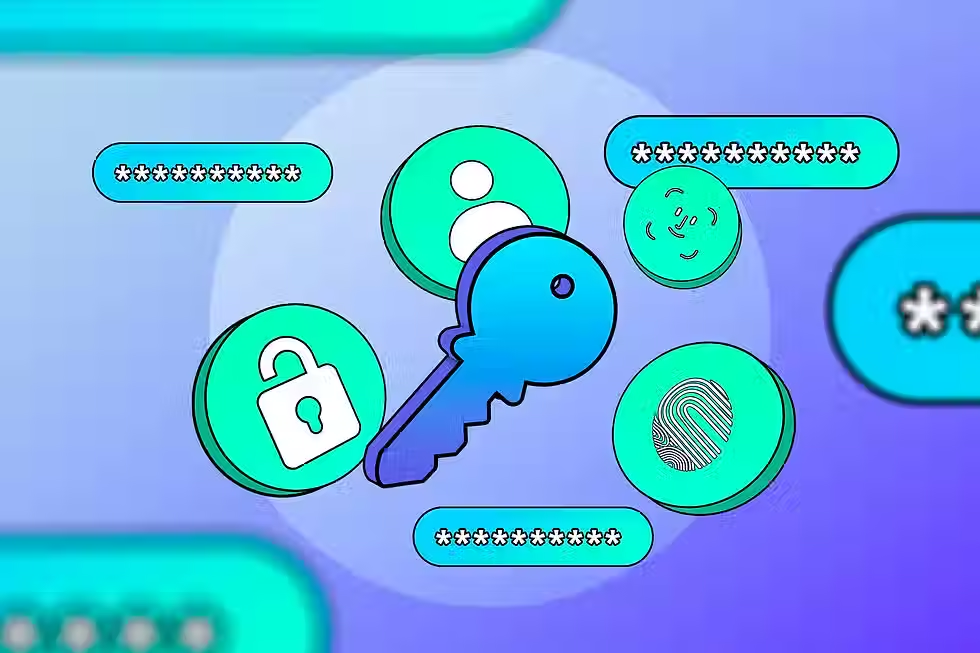
Let’s be honest—passwords are the digital equivalent of sticky notes on a vault. We reuse them, forget them, write them down, and inevitably fall for the “add a ‘1’ at the end” trick when we’re told to update them. Fortunately, there’s a better way: passkeys.
What Is a Passkey?
A passkey is a modern, passwordless login method designed to replace traditional passwords entirely. Instead of remembering a string of letters, numbers, and symbols, you log in using biometric authentication (like Face ID or a fingerprint) or a device PIN that never leaves your device.
Passkeys are based on public key cryptography—the same technology that keeps web traffic secure. Here's how it works:
When you create a passkey for a website or app, your device creates a public key (which gets stored on the website) and a private key (which stays securely on your device).
During login, the website sends a challenge. Your device uses the private key to sign it, proving your identity—without ever sharing the private key.
In other words: no password, no phishing, no breachable credentials.
Why Are Passkeys More Secure?
🔐 No Shared Secrets
Passwords are like shared secrets—you and the website both know it. If a hacker gets access to the site, they get your password too. With passkeys, your private key never leaves your device, so there’s nothing to steal.
🛡 Phishing-Proof
Hackers can’t trick you into giving away a passkey the way they can a password. Passkeys only work with the exact domain they were created for.
✅ Easy and Seamless
Logging in with a passkey is faster and simpler. On your phone or laptop, you can use Face ID, a fingerprint, or a device PIN—no need to remember anything.
Where Can You Use Passkeys?
Big players like Apple, Google, and Microsoft are already integrating passkeys into their platforms:
Apple: Passkeys are built into iOS, iPadOS, and macOS using iCloud Keychain.
Google: Chrome and Android now support passkeys synced with your Google account.
Microsoft: Passkey support is coming to Windows Hello and Microsoft accounts.
Many websites are also starting to offer passkey login options—including PayPal, Amazon, eBay, and password managers like 1Password and Dashlane.
What Do Passkeys Mean for Businesses?
For businesses, especially SMBs and enterprises using managed IT services, passkeys reduce the attack surface dramatically:
Lower risk of credential theft
Fewer password reset requests (a major time sink for IT helpdesks)
Better user experience across devices
Simplified onboarding for new tools and platforms
If you’re managing a fleet of devices or customer logins, adopting passkey-compatible systems now gives you a security and productivity edge down the line.
How Do You Start Using Passkeys?
Ensure your devices are updated: Most modern OS versions already support passkeys.
Use a passkey-compatible password manager or platform (like iCloud Keychain, Google Password Manager, or 1Password).
Look for passkey login options on supported websites and enable them when offered.
Encourage your team or users to shift toward passwordless access where possible.
The Bottom Line
Passkeys are the future—and they’re here now. They’re easier, safer, and more reliable than the outdated password system we’ve been relying on for decades. As phishing threats, ransomware, and data breaches continue to rise, shifting toward passkeys is one of the smartest moves individuals and businesses can make.
Need help implementing passwordless solutions for your business? At Veith Technologies, we help businesses in Charlotte, NC, and Fairfield, CT, build secure, scalable IT systems—including modern authentication strategies like passkeys and biometric login. Contact us to learn how your team can ditch the passwords and step into the future of cybersecurity.


Comments